

Product Help
Leaving a G2 Review
👉 Step 1: Visit Lavender's G2 Profile
Click on "Submit a review."
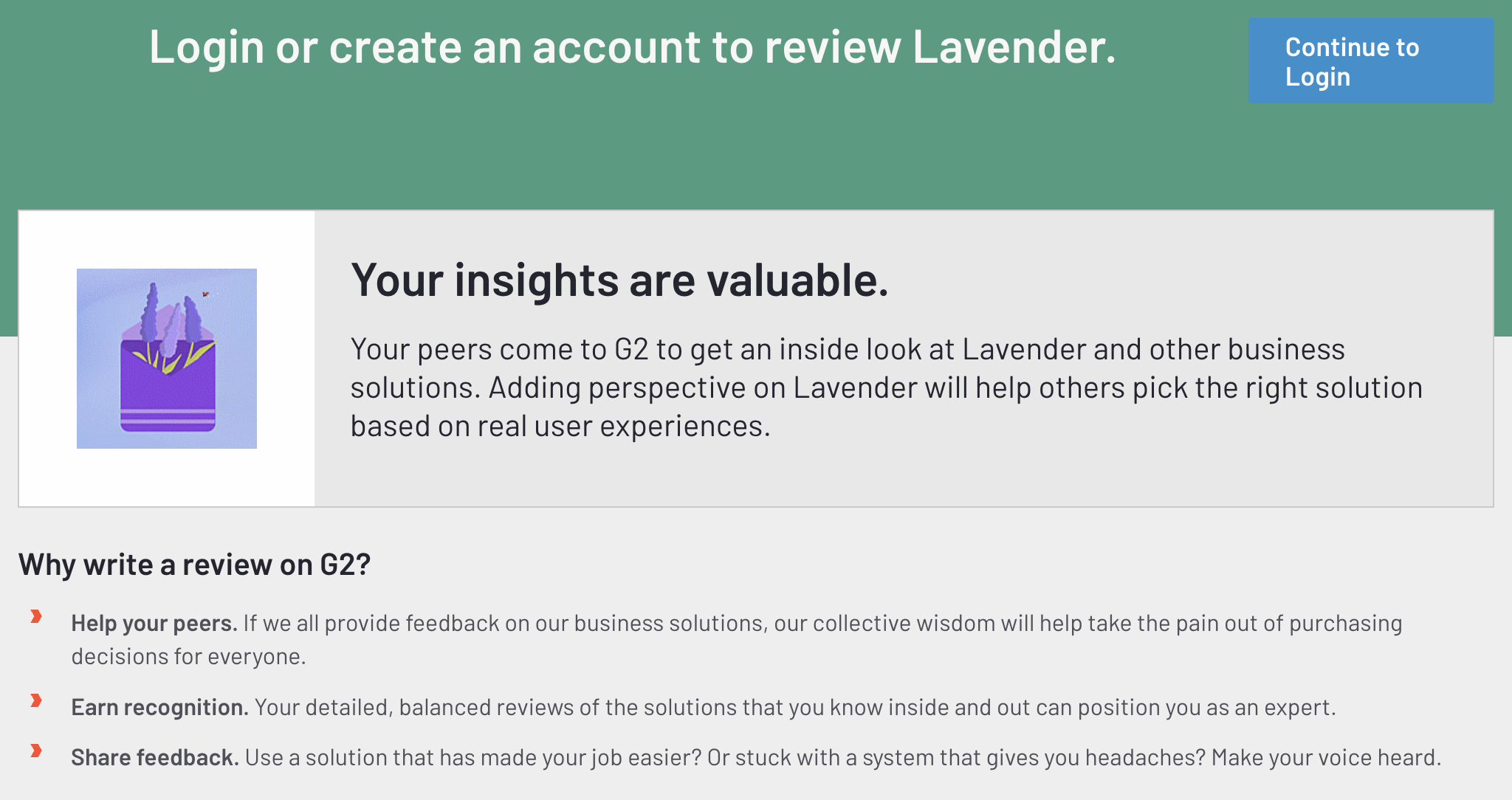
👉 Step 2: Sign in to G2
Click on “Continue to login.”
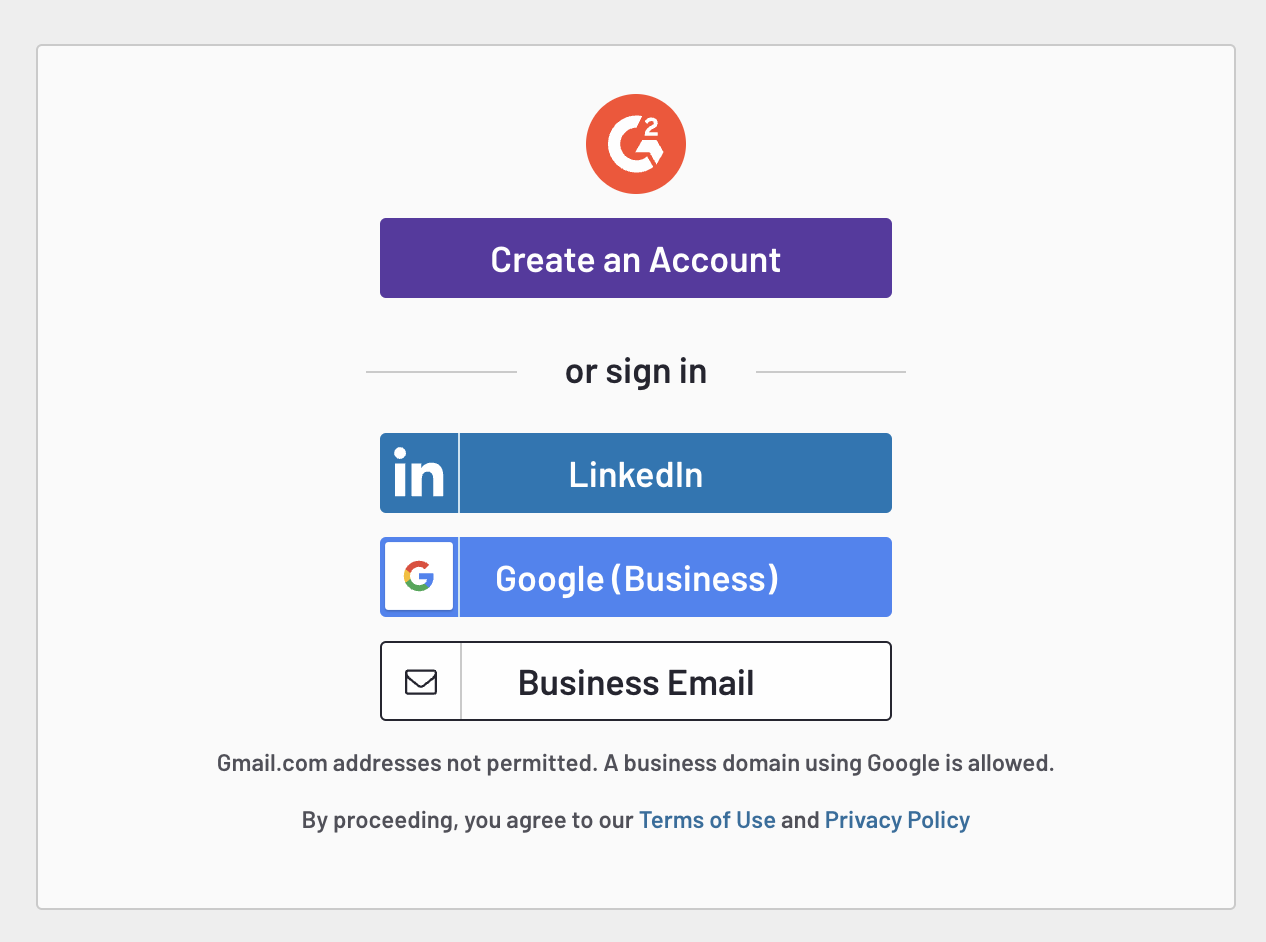
You have two options:
- Option 1: Your LinkedIn account (This is the easiest way to log in)
- Option 2: Your email address.
You will receive an email verification with a unique link!
👉 Step 3: Write your review
The questions might seem like a lot, but they are pretty straightforward!
- There are a few sections.
- Please fill in as many questions as you're comfortable with. Answering the optional questions will help other users evaluate our platform better than others in the market.
- Click the next section on the bottom right after completing the current section.
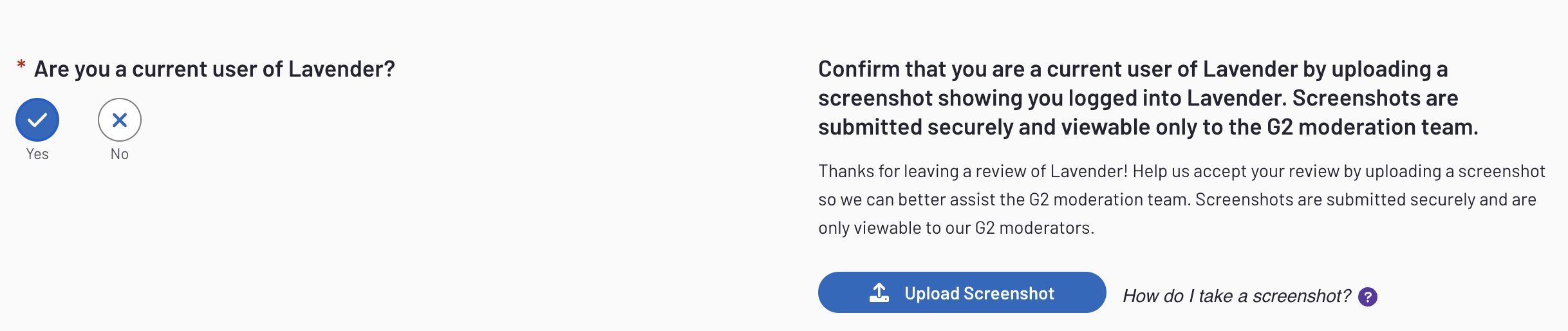
👉 Step 4: Confirm you're a user
This set is optional but recommended.
- Login to your Lavender account
- Upload a screenshot of your account on Lavender
👉 Step 5: Submit your review
Once you have completed all sections, take a moment to:
- Review your grade
- Ensure that circles are all filled at the top of the page
- Click "Submit Your Review”
Thank you so much for taking the time to write an honest review! 💜